Snap any window into place
Press Ctrl+Option and an arrow key to put the front window in a half. Other keys make thirds and corners, and one panel arranges every open window.
Free for 30 daysStarts automaticallyNo account or card
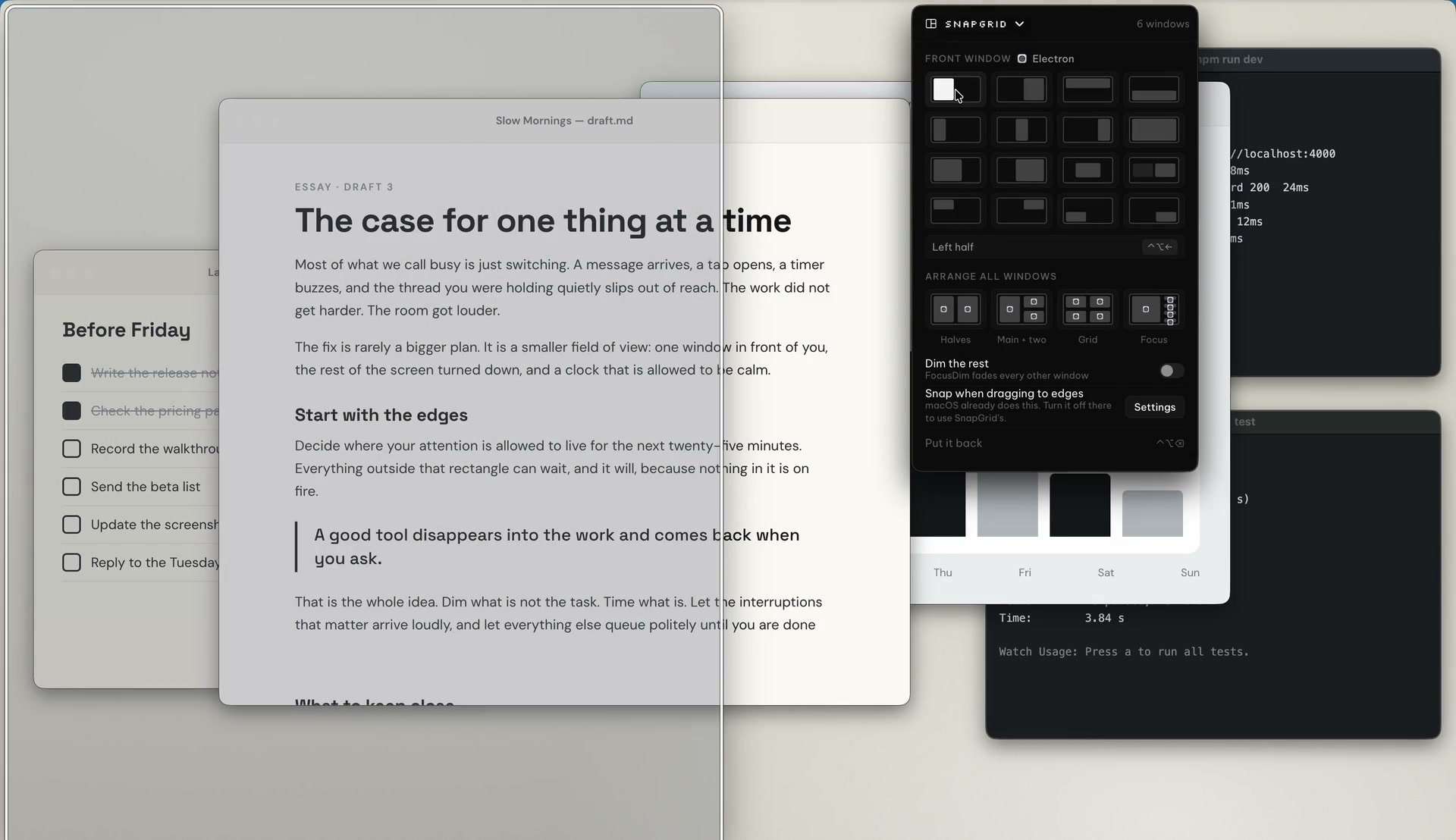
Short answer: SnapGrid is one of the five tools in PeakFlow Pro and the 30-day trial. You can also buy it on its own for US$9.99, once.
Keys
Halves, thirds and corners from the keyboard
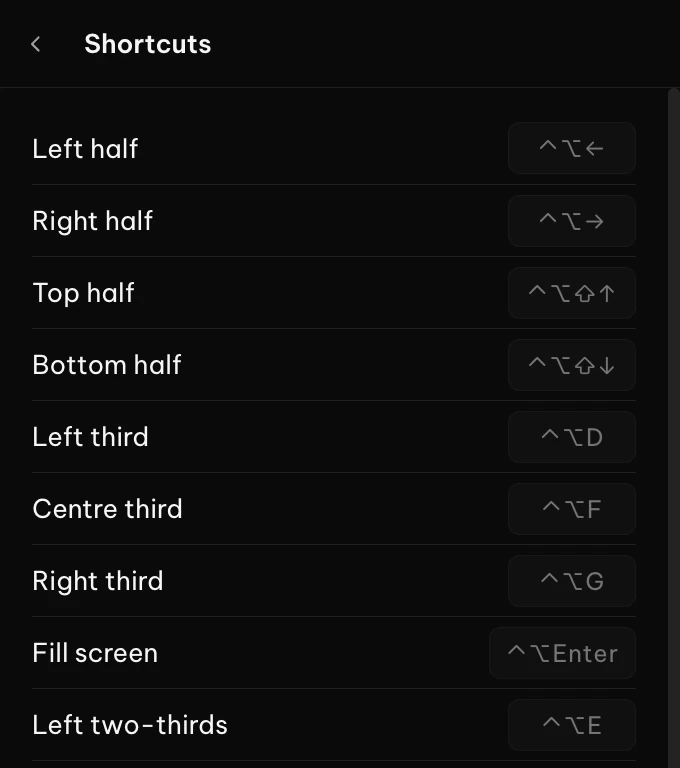
The arrow keys make halves. Letter keys make thirds, two-thirds and corners. Each key is a single shortcut, so you never open a menu to move a window.
- Left and right halves, with top and bottom halves on Shift
- Thirds, two-thirds, centre and fill screen
- Put it back with one shortcut
Panel
See where a window goes before you choose
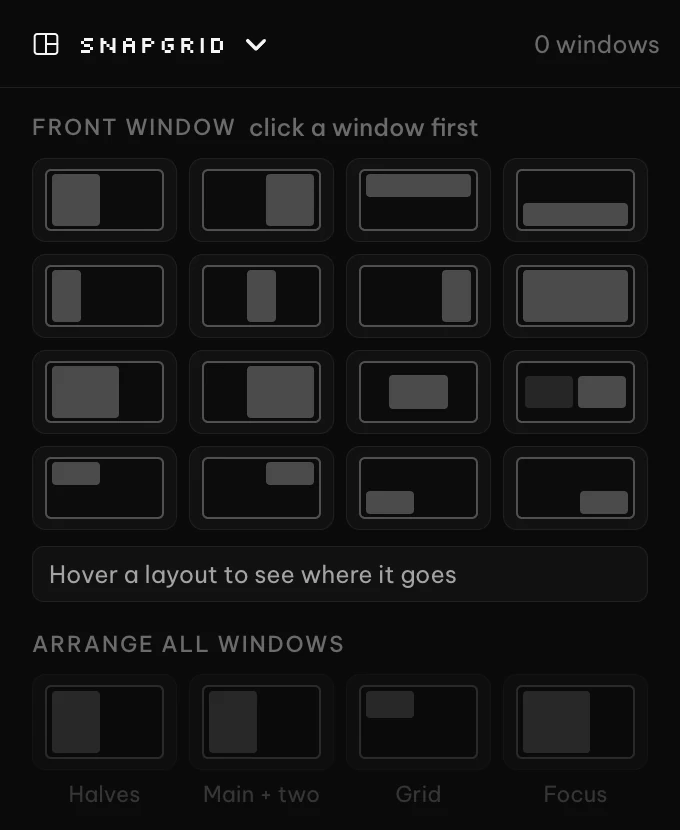
Open the SnapGrid panel and hover a layout. A preview shows where the front window will land. Click a window first if you want a different one moved.
- Sixteen layouts in one panel
- Arrange all windows as halves, a main window with two, a grid or a focus layout
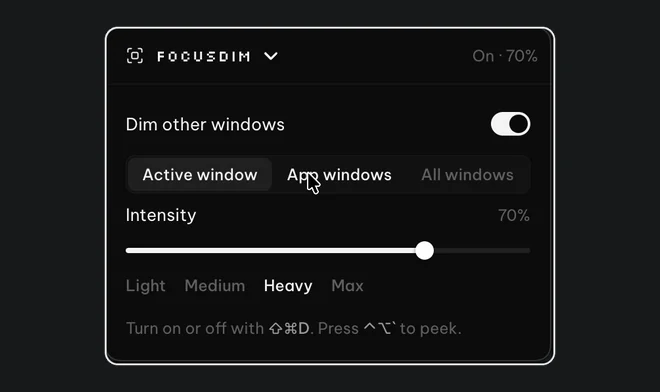
- Dim the rest uses FocusDim to fade every other window
- On a Mac, snap windows by dragging them to the screen edges
Pro, or SnapGrid on its own
Every download starts a free 30-day trial of all five tools, with no account or card.
Pro
US$2.99/ month
Billed monthly, cancel anytime
- SnapGrid and the other four tools
- Every feature, no limits
SnapGrid only
US$9.99once
One-time payment, no subscription
- Yours to keep, with all v2 updates
- Works on Mac and Windows
Questions
Anything else? Email contact@getpeakflow.pro and a real person will reply.
Is SnapGrid free?
It is part of PeakFlow Pro, and the 30-day trial covers it. After the trial, Pro is US$2.99 a month, or you can buy SnapGrid for US$9.99.
Do the shortcuts work on Windows?
Yes, with Ctrl+Alt in place of Ctrl+Option. The letter-key layouts, such as thirds and corners, have no shortcut on Windows, so use the panel for those.
Does it conflict with macOS tiling?
It can. If Drag windows to screen edges to tile is on in macOS, turn it off so SnapGrid's thirds and edge snapping work as intended.
What does Put it back do?
It undoes the last SnapGrid move. The shortcut is Ctrl+Option+Backspace on a Mac, or Ctrl+Alt+Backspace on Windows.
Keep every window in its place.
Free for 30 days. No account or card. Download and go.