Choose what stays bright.
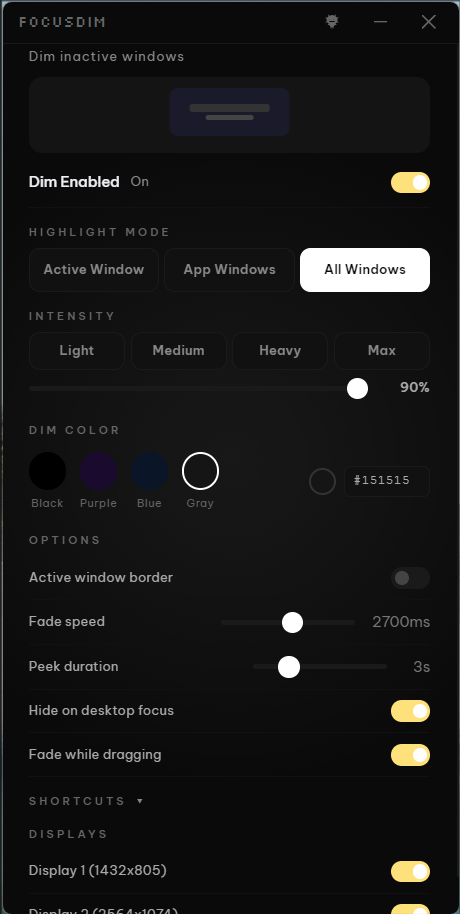
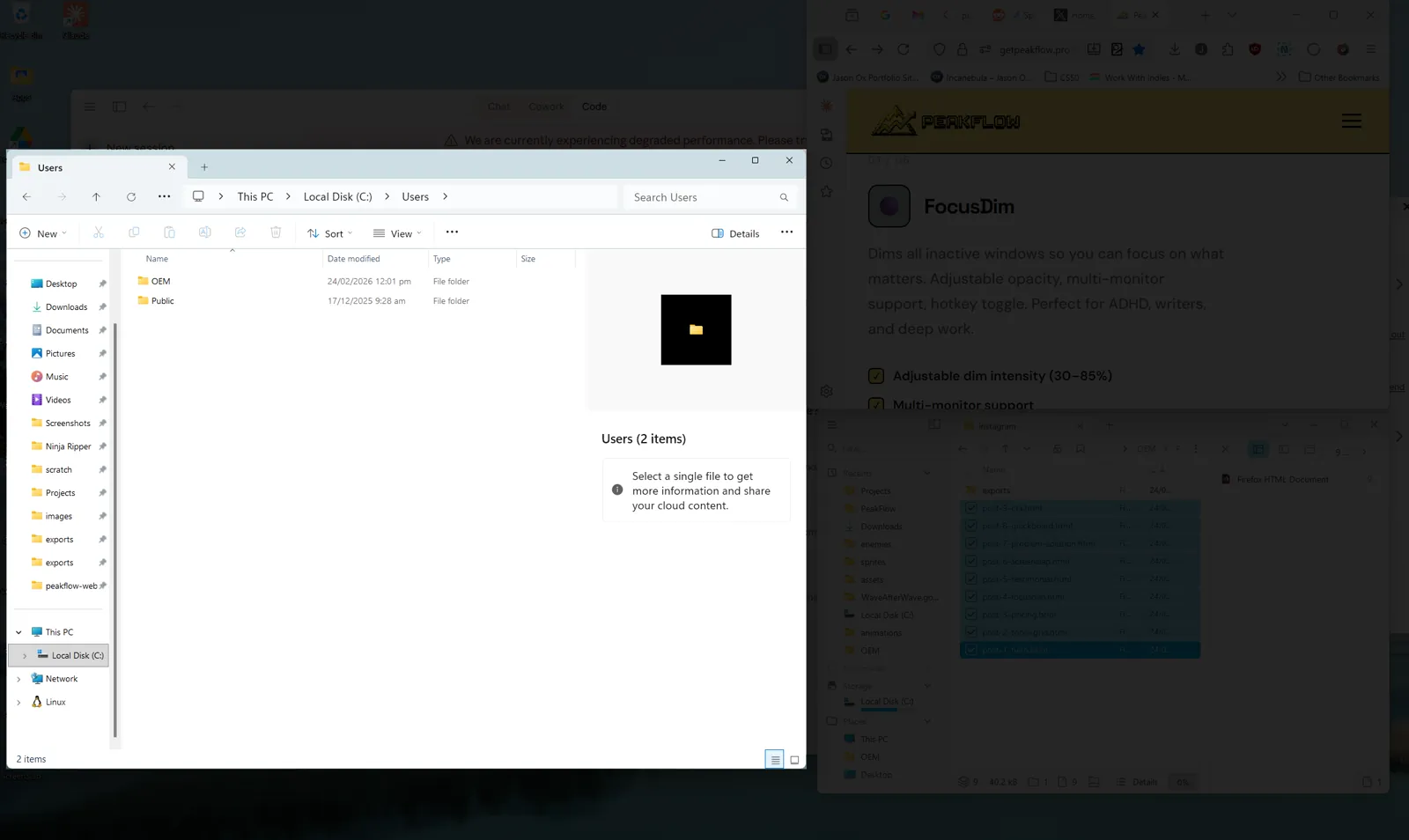
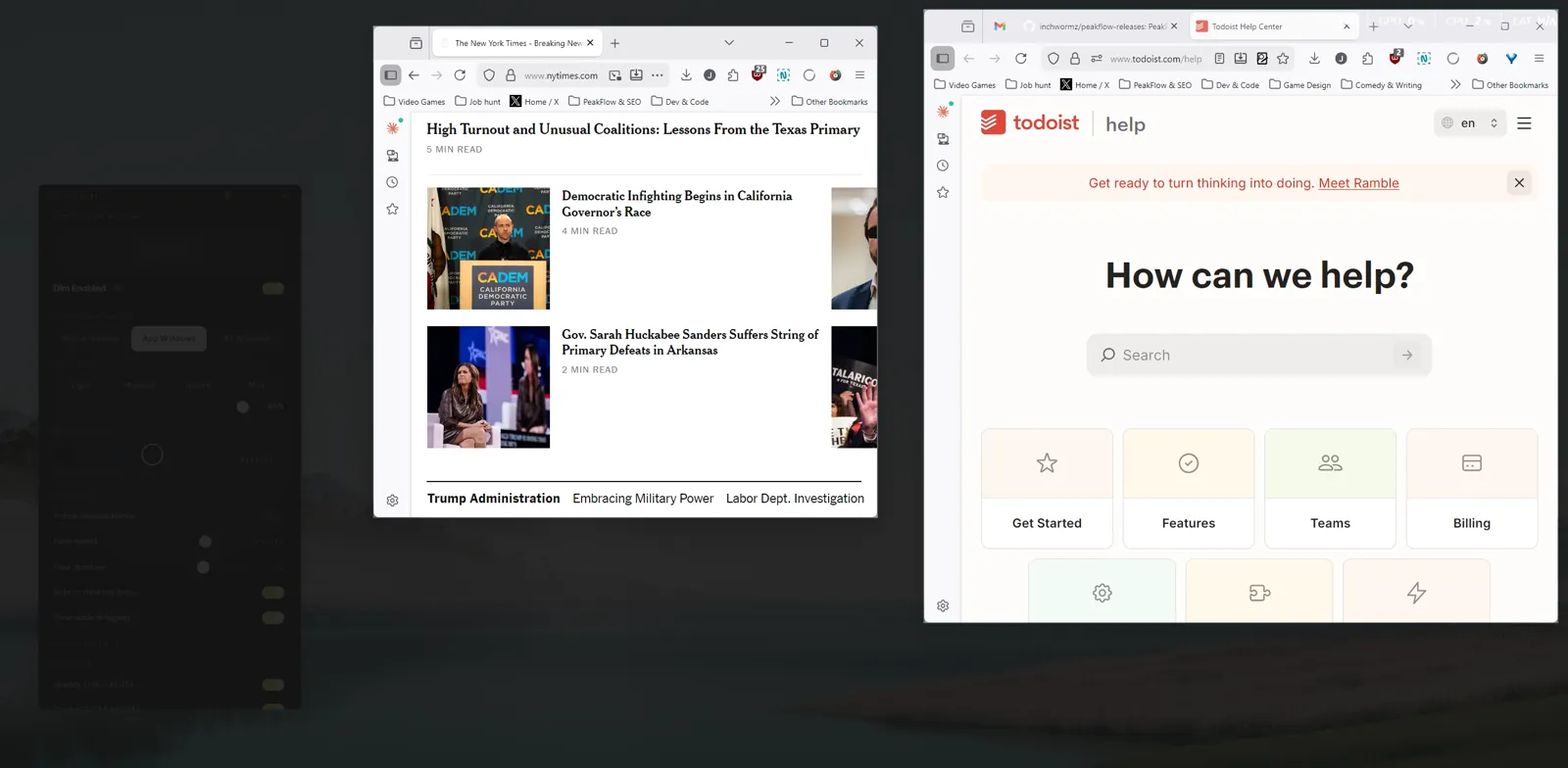
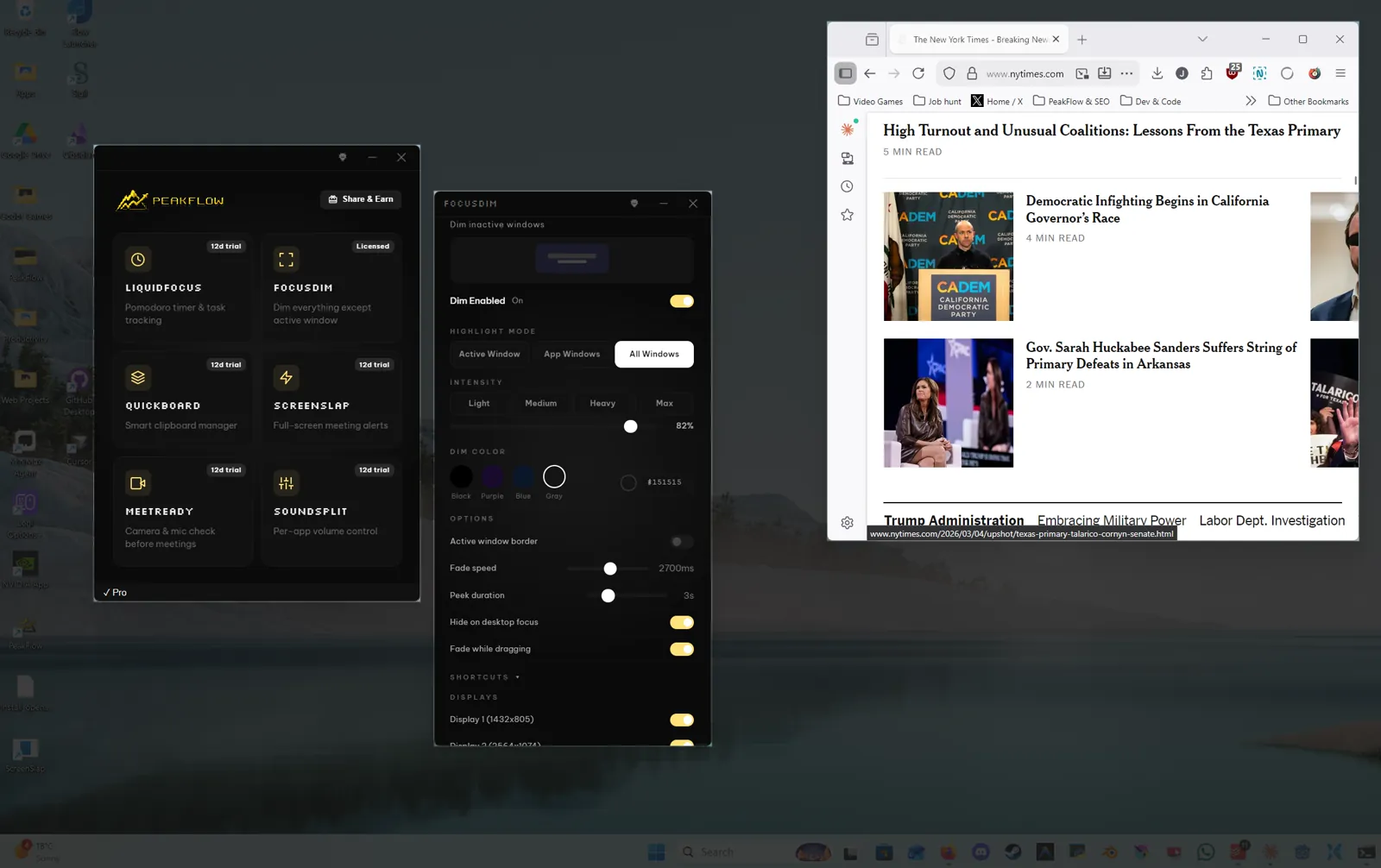
FocusDim dims everything except what you're working on. Highlight just your active window, all windows from the same app, or every window at once. Dim fades out automatically when you drag. Works across all your monitors.
Up and running in under a minute.
No wizards. No config files. Install and focus.
Frequently Asked Questions
Does FocusDim work on multiple monitors?
Yes. FocusDim supports multi-monitor setups and dims inactive windows across all connected displays.
Can I adjust the darkness level?
Yes. Dimming opacity goes from 10% up to 90%. You can also change the dim color.
How do I toggle it on and off?
Press Ctrl+Shift+D to toggle the dimming effect, or click the system tray icon.
Is FocusDim good for ADHD?
Yes. By hiding visual distractions, FocusDim forces your brain to engage with your current task. Many users with ADHD say it's the first thing they turn on every morning.
Is it free?
FocusDim is free forever with core features (toggle dimming, adjustable opacity, hotkey, peek, active window border). Pro unlocks custom dim colors, highlight modes, per-display settings, excluded apps, custom fade duration, and drag-escape. 14-day Pro trial included.
Free vs Pro
| Free | Pro |
|---|---|
| Toggle dimming on/off | Custom dim color (free = black only) |
| Adjustable opacity | Highlight modes: app & all windows |
| Hotkey toggle | Per-display enable/disable |
| Peek (temporary reveal) | Excluded apps list |
| Active window border | Custom fade duration |
| Auto-reveal desktop | Drag-escape |
14-day Pro trial included with every download.
Ready to focus
like never before?
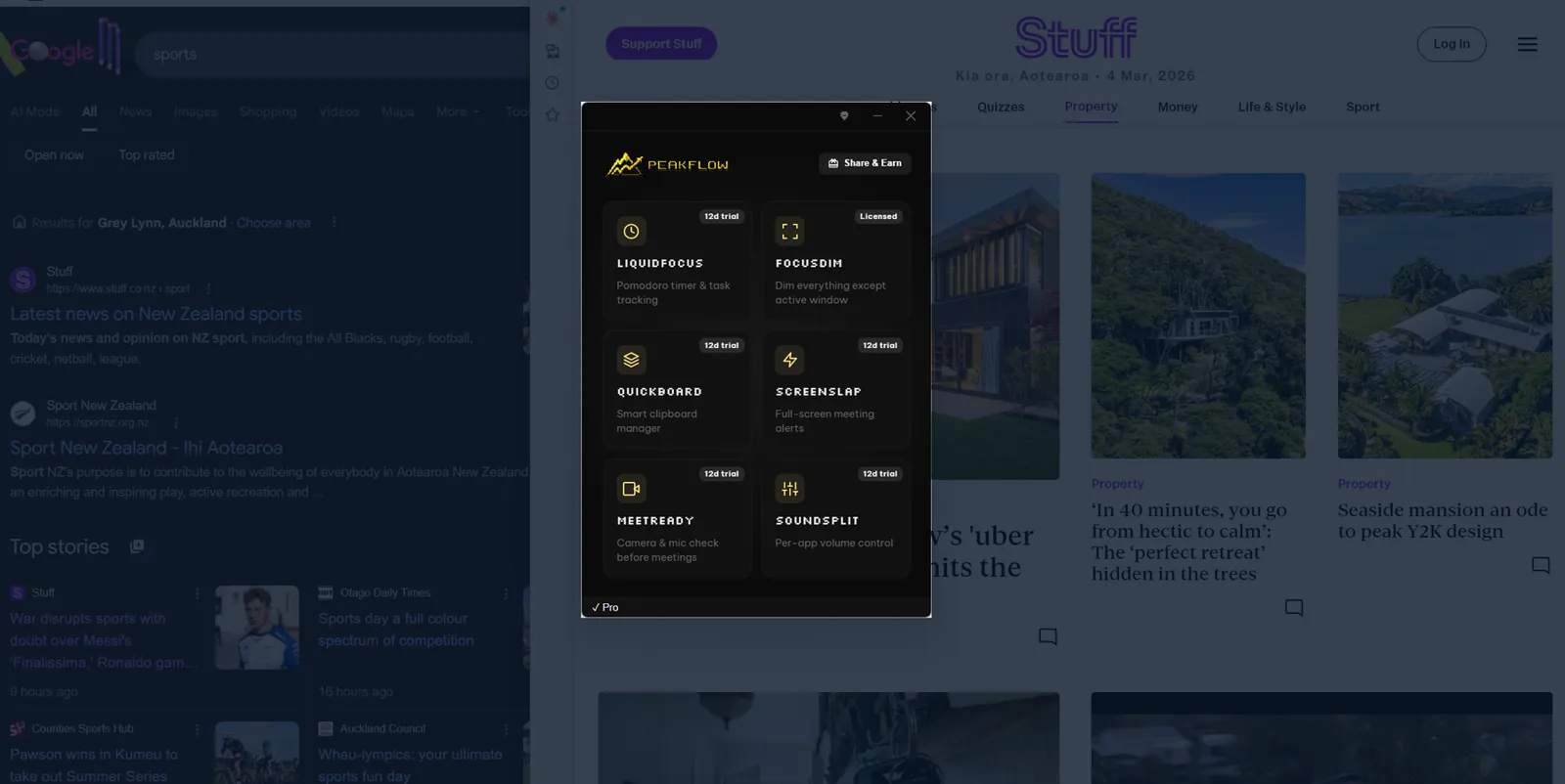
FocusDim is free forever. Download PeakFlow and start focusing.