
The best Pomodoro timers for Mac
For a free Pomodoro timer on a Mac, start with Be Focused. Its free version runs 25-minute sessions with breaks, a task list and reports. If you only need a countdown, the Clock app that comes with macOS 13 and later can run one. Pay for a timer when you want something the free ones don't do: Be Focused Pro blocks apps and websites and syncs to your iPhone, and Liquid Focus keeps a mini timer floating over your work and can notice when you look away.
How a Pomodoro session works
The method is simple: work on one task for 25 minutes, take a 5-minute break, and take a longer break of 15 to 30 minutes after four sessions. A timer helps because you stop checking the clock, and a break that starts on time stops one session from running into the afternoon.
Free and paid Pomodoro timers for Mac
We make Liquid Focus, so read this table with that in mind. Prices are in US dollars.
| Timer | Price | What you get |
|---|---|---|
| Clock app | Built in | A countdown timer; you restart it yourself for each session and break |
| Be Focused | Free | Pomodoro sessions and breaks, tasks, reports, widgets and hotkeys |
| Be Focused Pro | $2.99 a month, $19.99 a year or $39.99 lifetime | Adds app and website blocking and sync across Mac, iPhone and iPad |
| Liquid Focus | $9.99 once after a 30-day trial | Sessions and breaks, tasks with #tags and estimates, streaks and 7-day stats, floating mini timer, optional webcam focus check, Windows too |
The Clock app: free and already on your Mac
On macOS 13 or later, open Clock, choose Timers and set 25 minutes. When it ends, set 5 minutes for the break. It works, and many people need nothing more. You do restart it by hand every time, and it keeps no record of the sessions you finished.
Be Focused: the best free option
Be Focused runs the full cycle for you, with a task list and reports in the free version. Its Pro upgrade blocks distracting apps and websites during a session and syncs with your iPhone. If blocking is what you need, Be Focused Pro does it and Liquid Focus doesn't.
Liquid Focus: when you want the timer in view
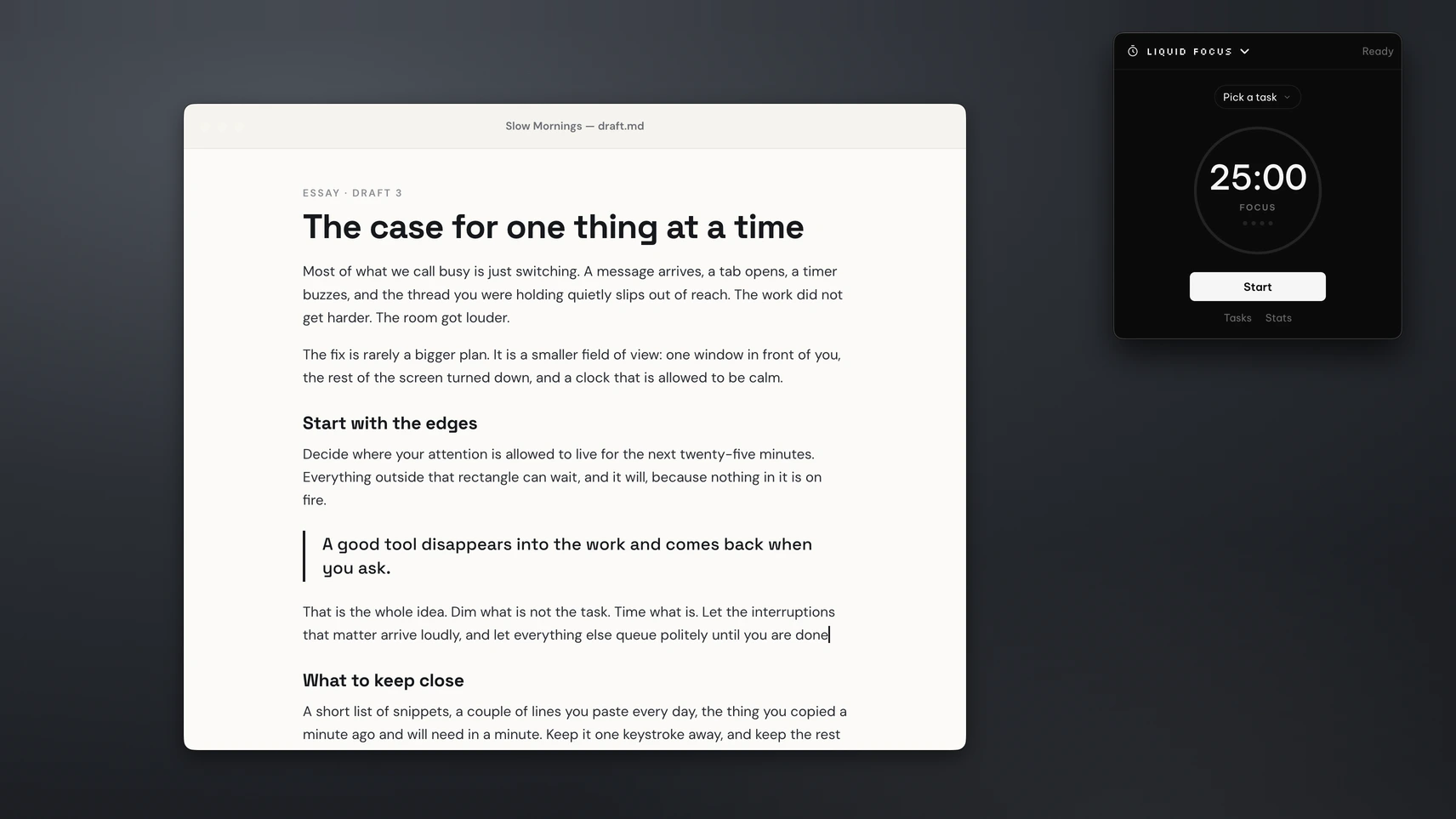
Pick a task and press Start. The defaults are 25 minutes of work, a 5-minute break and a 15-minute break after every fourth session, and you can set a focus session anywhere from 1 to 180 minutes. A sound plays when a session ends, and the next one can start by itself if you turn that on.
The mini timer floats over your other windows in small, medium or large, so you see the time left without switching apps. Tasks take #tags, time estimates and due dates, and the stats show today's sessions, your streak and the last 7 days.
If you turn on focus detection, Liquid Focus uses your webcam to notice when you look away from the screen. The video is processed on your Mac and isn't sent anywhere, and macOS asks for camera access only when you switch it on. Liquid Focus is part of the PeakFlow app, with a dimmer, a clipboard manager and a meeting alert in the same download.
The Be Focused comparison goes feature by feature, and the Liquid Focus page lists every setting.
Pairs well with a timer
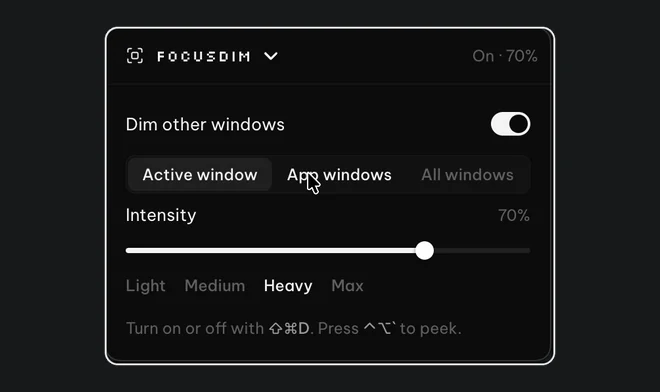
FocusDim: $9.99 once
Dims every window except the one you're using, on Mac and Windows.
Make the session count
A timer tells you when to stop. It doesn't stop a chat window from catching your eye. Two settings help: turn on a Focus from Control Centre so banners stay quiet until the break, and dim the windows behind the one you're using so the session has one bright window on screen.
On a Windows PC? Read our comparison of Pomodoro timers for Windows.
Questions
Does a Mac have a built-in Pomodoro timer?
Not a Pomodoro timer as such. The Clock app on macOS 13 and later has a countdown timer you can set to 25 minutes, but you restart it by hand for each session and break.
What is the best free Pomodoro timer for Mac?
Be Focused. Its free version runs work sessions and breaks for you and includes a task list and reports.
Which Pomodoro timer for Mac blocks websites?
Be Focused Pro blocks apps and websites during a session. Liquid Focus doesn't block apps or websites.
Does Liquid Focus record me with the webcam?
No. Focus detection is off until you turn it on, runs on your Mac and isn't sent anywhere.
Can I change the session length in Liquid Focus?
Yes. A focus session can be 1 to 180 minutes, and you can change the short break, the long break and how many sessions come before the long break.
How much does Liquid Focus cost?
It's free for 30 days with no account or card. Then Liquid Focus is $9.99 once, all four PeakFlow tools are $29.99 once, or Pro is $2.99 a month.
Start your first session
Download for Mac, pick a task and press Start. Free for 30 days, then $9.99 to keep Liquid Focus.
Download free for Mac