
A Be Focused alternative for Mac and Windows
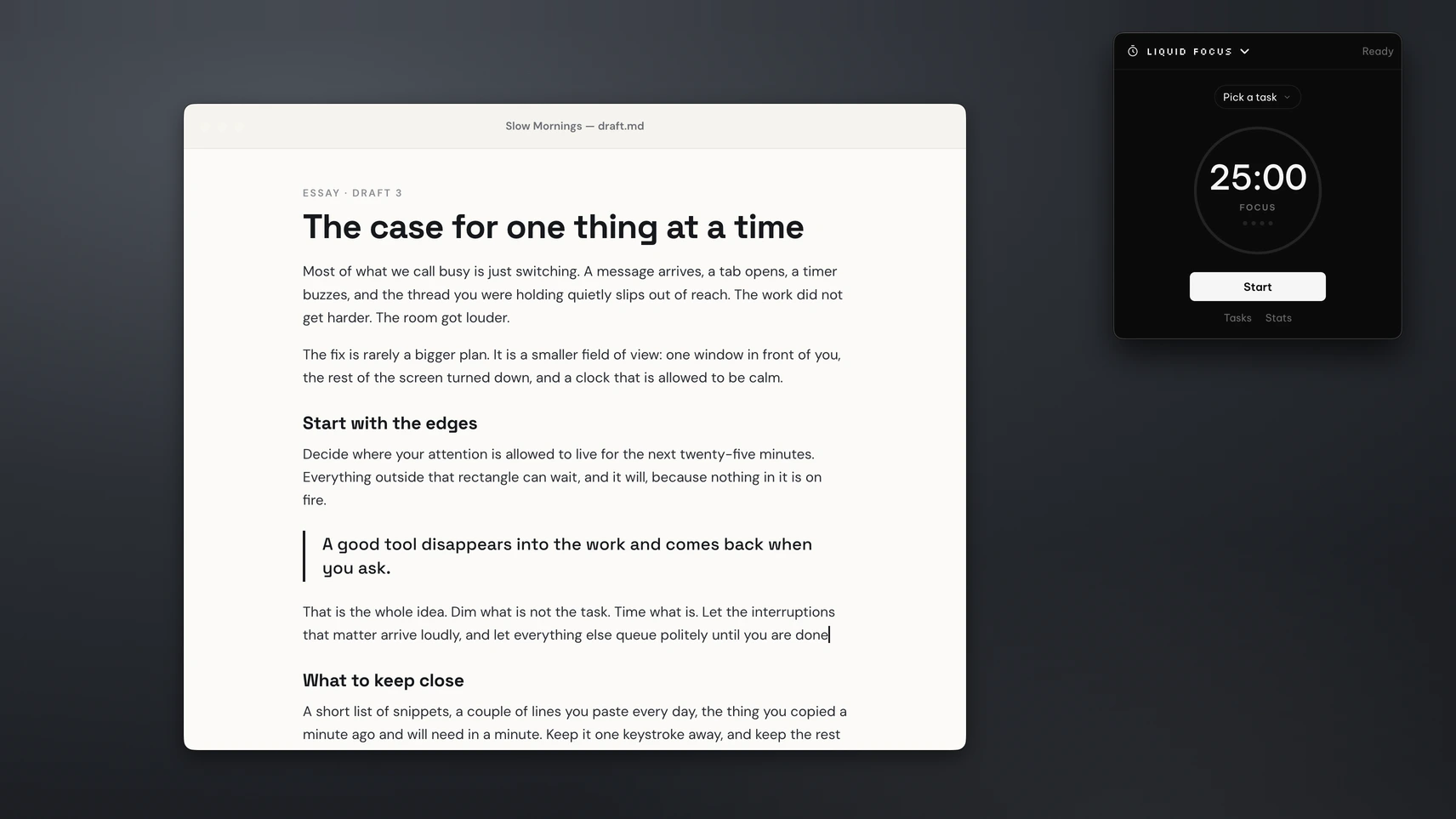
Liquid Focus, part of the PeakFlow app, is a Pomodoro timer with a task list, a daily streak and a mini timer that floats over your work. It runs on Mac and Windows and costs $9.99 once.
Be Focused
Free · Pro $19.99 a year or $39.99 lifetimePomodoro timer with tasks, reports, widgets and hotkeys. Pro adds sync across Apple devices, app and website blocking, tags and CSV export.
Platform: Mac, iPhone, iPad. No Windows version.
Liquid Focus
$9.99 once · free for 30 daysPomodoro timer with tasks, tags and estimates, a streak, 7-day stats, a floating mini timer and an optional webcam focus check that runs on your device.
Platform: macOS 13 or later, Windows 10 and 11.
Liquid Focus and Be Focused, feature by feature
"Not listed" means the app's own site doesn't mention the feature, so we haven't guessed.
| Feature | Be Focused | Liquid Focus |
|---|---|---|
| Pomodoro timer with breaks | free | |
| Custom session and break lengths | focus 1 to 180 minutes | |
| Task list | free | with #tags, estimates and due dates |
| Stats | reports | streak, today and 7-day view |
| Floating mini timer | Not listed | small, medium or large |
| Webcam check for drifting focus | optional, on your device | |
| Block apps and websites | Pro | |
| Sync to iPhone and iPad | Pro | |
| Runs on Windows | ||
| Price | Free, Pro $19.99 a year | $9.99 once |
Pairs well with Liquid Focus
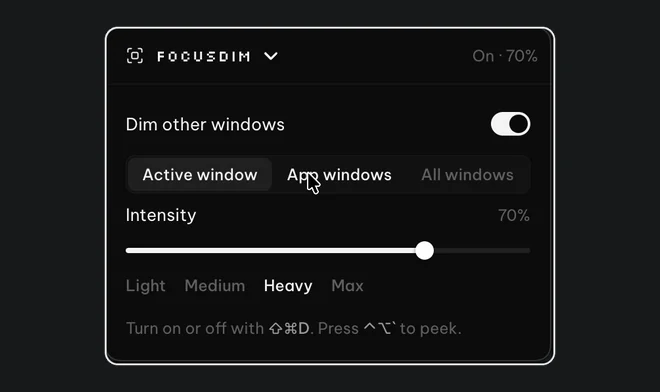
FocusDim: $9.99 once
Dims every window except the one you're using, on Mac and Windows.
How Liquid Focus works
Pick a task and press Start. The default is 25 minutes of work, a 5-minute break and a 15-minute break after every fourth session, and you can change all of them. A sound plays when a session ends, and the next one can start by itself.
The mini timer floats in a corner so you can see the time left without opening anything. If you turn on focus detection, Liquid Focus uses your webcam to notice when you look away from the screen and either resets the session or simply counts the lapse. The video is processed on your computer and isn't sent anywhere. On a Mac, macOS asks for camera access only when you switch this on.
Pair it with FocusDim to dim everything except the window you're working in while the timer runs.
When Be Focused is the better pick
Be Focused's free version covers the timer, tasks and reports, so if that's all you need it costs nothing. Be Focused Pro blocks distracting apps and websites during a session, which Liquid Focus doesn't do, and it syncs with your iPhone. Liquid Focus suits people who want the timer always in view, the webcam check, or the same tool on Windows.
On Windows, see Be Focused for Windows: meet Liquid Focus.
Questions
Is there a Be Focused alternative for Windows and Mac?
Yes. Liquid Focus, part of the PeakFlow app, runs on macOS 13 or later and on Windows 10 and 11. Be Focused has no Windows version.
Is Liquid Focus free?
Liquid Focus is free for 30 days with every feature, then $9.99 once. Be Focused has a free version, and its Pro upgrade costs $19.99 a year or $39.99 lifetime.
Does Liquid Focus block websites?
No. Liquid Focus times your sessions and can notice when you look away, but it doesn't block apps or websites. Be Focused Pro does.
Does the webcam focus check record me?
No. It runs on your computer, isn't sent anywhere and is off until you turn it on.
Try Liquid Focus free
Download the PeakFlow app and start your first 25-minute session. Free for 30 days, then $9.99 to keep it.
⬇ Download the PeakFlow appmacOS 13 or later • Windows 10 and 11 • Free for 30 days, no account or card