
How to see clipboard history on a Mac
On macOS Tahoe, open Spotlight with ⌘Space and press ⌘4 to see what you've copied recently. Spotlight keeps those clips for 30 minutes, 8 hours or 7 days, which you choose in System Settings > Spotlight. Older versions of macOS remember only the last thing you copied. For a longer history that you can search, pin and paste from with one shortcut, install a clipboard manager: Maccy is free, and Paste and QuickBoard are paid.
Clipboard history built into macOS
Since macOS Tahoe, Spotlight has a clipboard view. Press ⌘Space, then ⌘4, and scroll or type to find an earlier copy. If the list is empty, check that clipboard history is turned on in System Settings > Spotlight, where you also pick how long clips are kept: 30 minutes, 8 hours or 7 days. It only records copies made after you turn it on.
That covers "what was the link I copied this morning". It doesn't suit text you reuse every week, such as an address or a canned reply, because nothing is kept past 7 days.
On older versions of macOS there's no history. The clipboard holds one item, and Finder > Edit > Show Clipboard shows what it is. Universal Clipboard lets you copy on an iPhone and paste on your Mac, but that is also one item, not a history.
Free and paid clipboard managers for Mac
We make QuickBoard, so read this table with that in mind. Prices are in US dollars from each app's own site.
| App | Price | History | Good for |
|---|---|---|---|
| Spotlight (macOS Tahoe) | Built in | Up to 7 days | Recent copies, no install |
| Maccy | Free, open source | On your Mac | Fast, keyboard-first text history; needs macOS 14 |
| Paste | $2.49 a month or $29.99 a year | Unlimited | Syncing your clipboard to iPhone and iPad |
| QuickBoard | $9.99 once after a 30-day trial | 500 clips, up to 2,000, plus pins | Paste queues, search by app, text from images, Windows too |
How QuickBoard works on a Mac
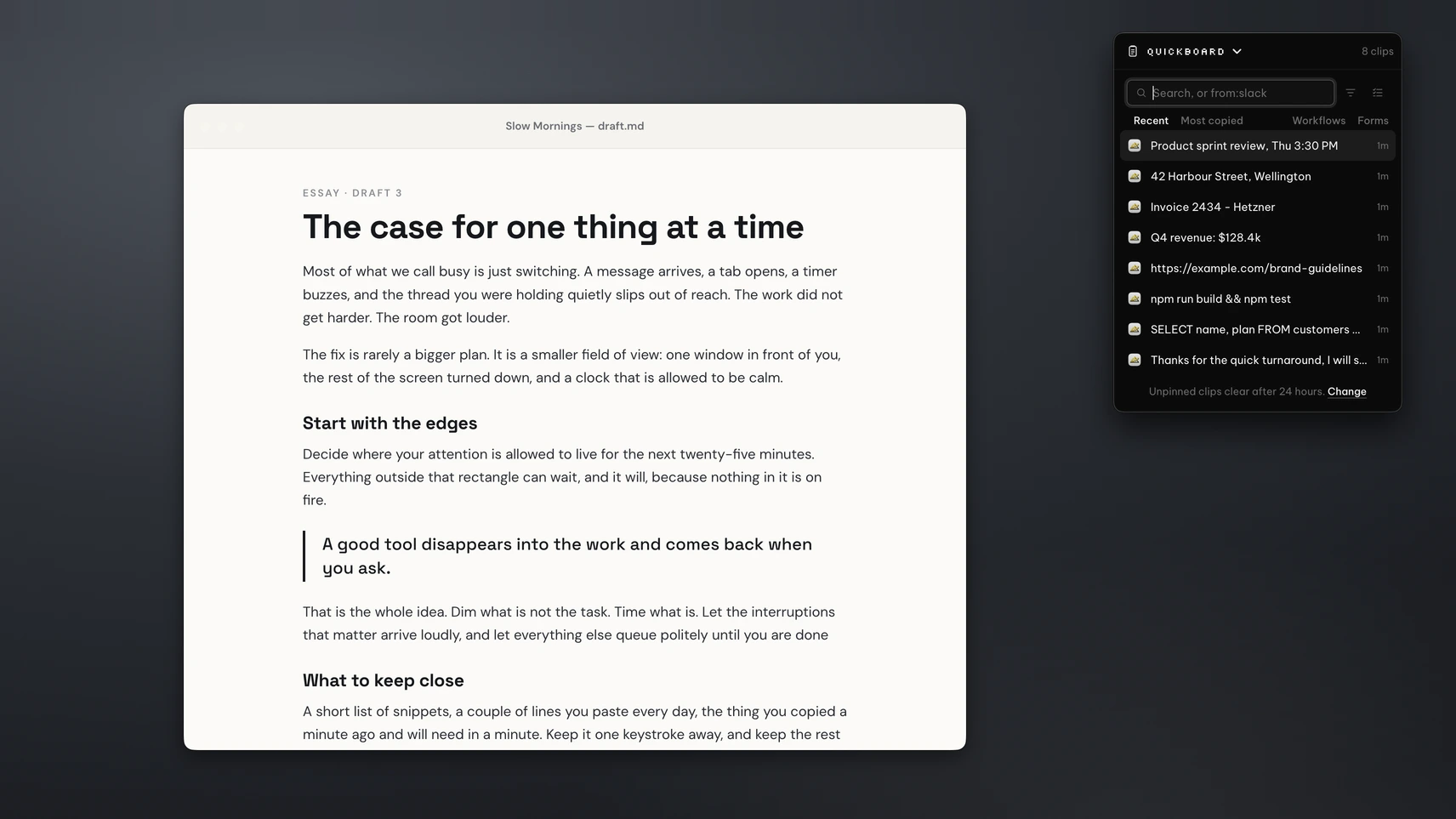
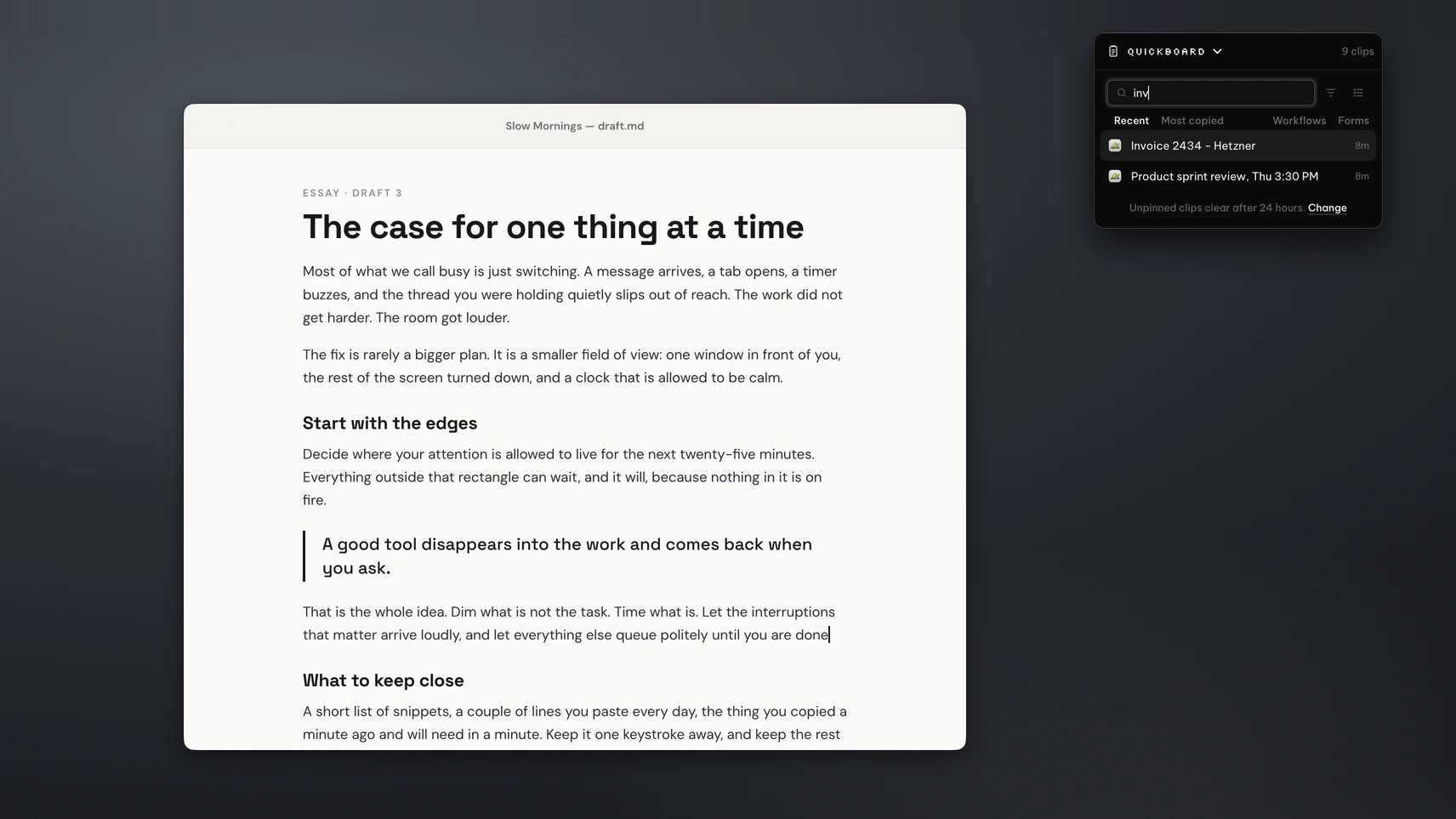
Copy as you normally do. Press ⌘⇧V and QuickBoard opens with your recent clips. Type to search, or type from:Safari to see only what you copied from Safari. Tabs filter by type: text, code, links, images and files. Pick a clip and it pastes into the app you were in, or paste it as plain text to drop the formatting.
To fill in a form, queue up the clips you need and press ⌘⇧N to paste each one in turn. Transforms clean text on the way out, for example trimming spaces or turning a heading into a URL slug. Pin or star the clips you reuse so they stay at the top.
QuickBoard keeps 500 clips by default, and you can raise that to 2,000. Pinned clips don't count. Unpinned clips clear after 24 hours by default, and you can keep them for an hour, a week, a month or for good. Text in screenshots is read on your Mac with Apple's Vision framework, so you can search for words inside an image.
History stays on your Mac and can be encrypted. QuickBoard skips copies from password managers such as 1Password and Bitwarden, and copies that look like passwords or keys. macOS asks for Accessibility permission the first time, so QuickBoard can paste for you. QuickBoard is one of four tools in the PeakFlow app.
Which one to pick
- If you only need something you copied today, use Spotlight. It costs nothing and is already there on macOS Tahoe.
- If you want a free, quick text history that stays on your Mac, use Maccy. Our Maccy vs QuickBoard page says where each one wins.
- If you copy on your iPhone and paste on your Mac, pay for Paste. QuickBoard doesn't sync to phones.
- If you paste lists into forms, want to search by app or inside images, or also use a Windows PC, try QuickBoard. See QuickBoard compared with Paste or the QuickBoard page.
On a Windows PC? Read how clipboard history works on Windows 11.
Questions
Does a Mac have clipboard history?
Yes, on macOS Tahoe. Open Spotlight with ⌘Space and press ⌘4 to see recent copies, kept for 30 minutes, 8 hours or 7 days. Older versions of macOS keep only the last item you copied.
How do I see everything I've copied on a Mac?
Spotlight's clipboard view shows copies from the period you chose in System Settings > Spotlight. For a longer, searchable history, use a clipboard manager such as Maccy, Paste or QuickBoard.
What is the best free clipboard manager for Mac?
Maccy. It's free, open source, keyboard-first and keeps your history on your Mac. It needs macOS 14 or later.
How many clips does QuickBoard keep?
500 by default, adjustable up to 2,000. Pinned clips don't count towards the limit.
Does QuickBoard save my passwords?
No. It skips copies from password managers such as 1Password, Bitwarden, LastPass and Dashlane, and copies that look like passwords or keys.
How much does QuickBoard cost?
It's free for 30 days with no account or card. Then QuickBoard is $9.99 once, all four PeakFlow tools are $29.99 once, or Pro is $2.99 a month.
Find anything you copied
Download for Mac and press ⌘⇧V. Free for 30 days, then $9.99 to keep QuickBoard.
Download free for Mac