
Maccy vs QuickBoard
Maccy is free, open source and very good at one thing: finding text you copied on a Mac. QuickBoard, part of the PeakFlow app, costs $9.99 and does more around it. Here's how to choose.
Maccy
Free and open source · $9.99 on the Mac App Store to support itA light, native clipboard manager you drive from the keyboard. Search, pins, image previews, paste without formatting, and data that stays on your Mac.
Platform: macOS 14 or later. No Windows version.
QuickBoard
$9.99 once · free for 30 daysClipboard history with type tabs, search by app, pins and tags, transforms, paste queues, optional encryption and on-device text from images.
Platform: macOS 13 or later, Windows 10 and 11.
| Feature | Maccy | QuickBoard |
|---|---|---|
| Price | Free | $9.99 once |
| Open source | ||
| Keyboard search | ||
| Pins | plus tags | |
| Paste without formatting | ||
| Images | previews and text search | with text from images |
| Filter by type (links, code, images, files) | Not listed | |
| Search by the app you copied from | Not listed | |
| Paste a list of clips in order | Not listed | |
| Text transforms | Not listed | |
| Encrypted history | Not listed | optional |
| Runs on Windows | ||
| Works on macOS 13 Ventura | needs macOS 14 |
Where Maccy wins
Maccy is free, open source and small. It opens instantly, keeps everything on your Mac and stays out of the way. It clears copied passwords when your password manager removes them. For most people who copy text and want it back, Maccy is enough, and we'd say so.
Where QuickBoard wins
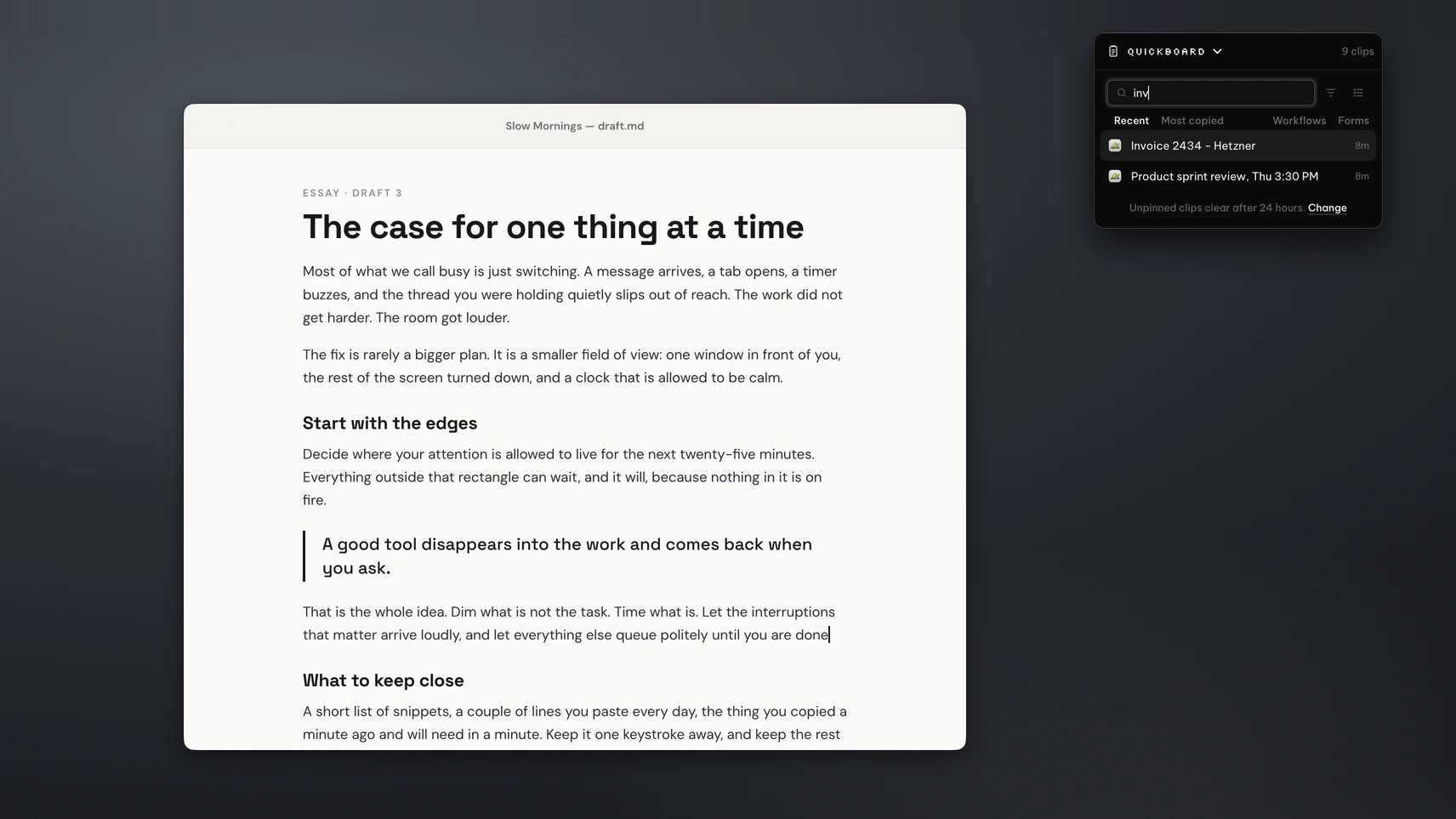
QuickBoard is for people who move a lot of material around. Queue up an address, a phone number and an email, then press ⌘⇧N to paste each one into a form in order. Turn a heading into a URL slug as you paste it. Type from:Slack to see only what you copied from Slack, or switch to the Images or Files tab.
It also runs on Windows, so if you use a PC at work and a Mac at home, you learn one tool. It runs on macOS 13 Ventura, which Maccy's current version doesn't support. And it's part of the PeakFlow app, so the same download gives you FocusDim, ScreenSlap and Liquid Focus.
Already looking at PeakFlow?
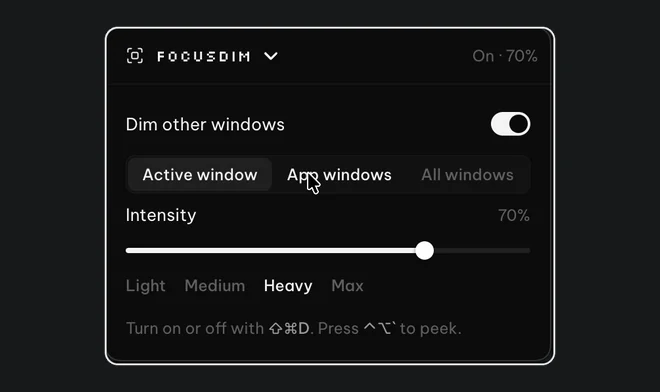
FocusDim: $9.99 once
Dims every window except the one you're using, on Mac and Windows.
Questions
Is Maccy free?
Yes. Maccy is free and open source. It's also on the Mac App Store for $9.99 if you want to support its development.
Is QuickBoard better than Maccy?
Not for everyone. Maccy is free and great for text history on a Mac. QuickBoard costs $9.99 and adds paste queues, text transforms, filters by type and app, and a Windows version.
Does QuickBoard work on Windows?
Yes. QuickBoard runs on macOS 13 or later and on Windows 10 and 11. Maccy is Mac only.
Try QuickBoard free
Use it alongside Maccy for 30 days and keep whichever you reach for.
⬇ Download the PeakFlow appmacOS 13 or later • Windows 10 and 11 • Free for 30 days, no account or card