
A Paste alternative for Mac and Windows
QuickBoard, part of the PeakFlow app, keeps everything you copy and finds it again with ⌘⇧V. It runs on Mac and Windows and costs $9.99 once, where Paste is a subscription.
Paste
$2.49 a month or $29.99 a year · $99.99 lifetime on the App StoreUnlimited clipboard history with pinboards and search, synced across Mac, iPhone and iPad. 7-day free trial.
Platform: Mac, iPhone, iPad. No Windows version.
QuickBoard
$9.99 once · free for 30 daysClipboard history with search, pins, tags, plain-text paste, text transforms and paste queues. History stays on your computer.
Platform: macOS 13 or later, Windows 10 and 11.
QuickBoard and Paste, feature by feature
"Not listed" means the app's own site doesn't mention the feature, so we haven't guessed.
| Feature | Paste | QuickBoard |
|---|---|---|
| Text, links, images and files | ||
| Search your history | , including by app | |
| Pin clips you reuse | pinboards | pins and tags |
| History size | Unlimited | 500 by default, up to 2,000, pins on top |
| Sync to iPhone and iPad | ||
| Text transforms (trim, lowercase, URL slug) | Not listed | |
| Paste several clips in order | Paste Stack | paste queue |
| Copy text out of images | Not listed | on your device |
| Ignores passwords and chosen apps | ||
| Runs on Windows | ||
| Price | $29.99 a year | $9.99 once |
Most popular PeakFlow tool
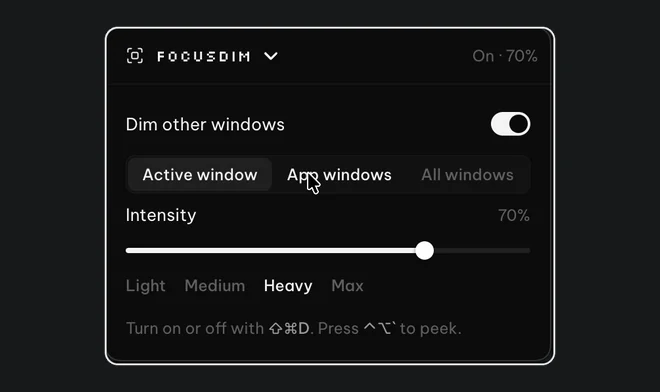
FocusDim: $9.99 once
Dims every window except the one you're using, on Mac and Windows.
How QuickBoard works on a Mac
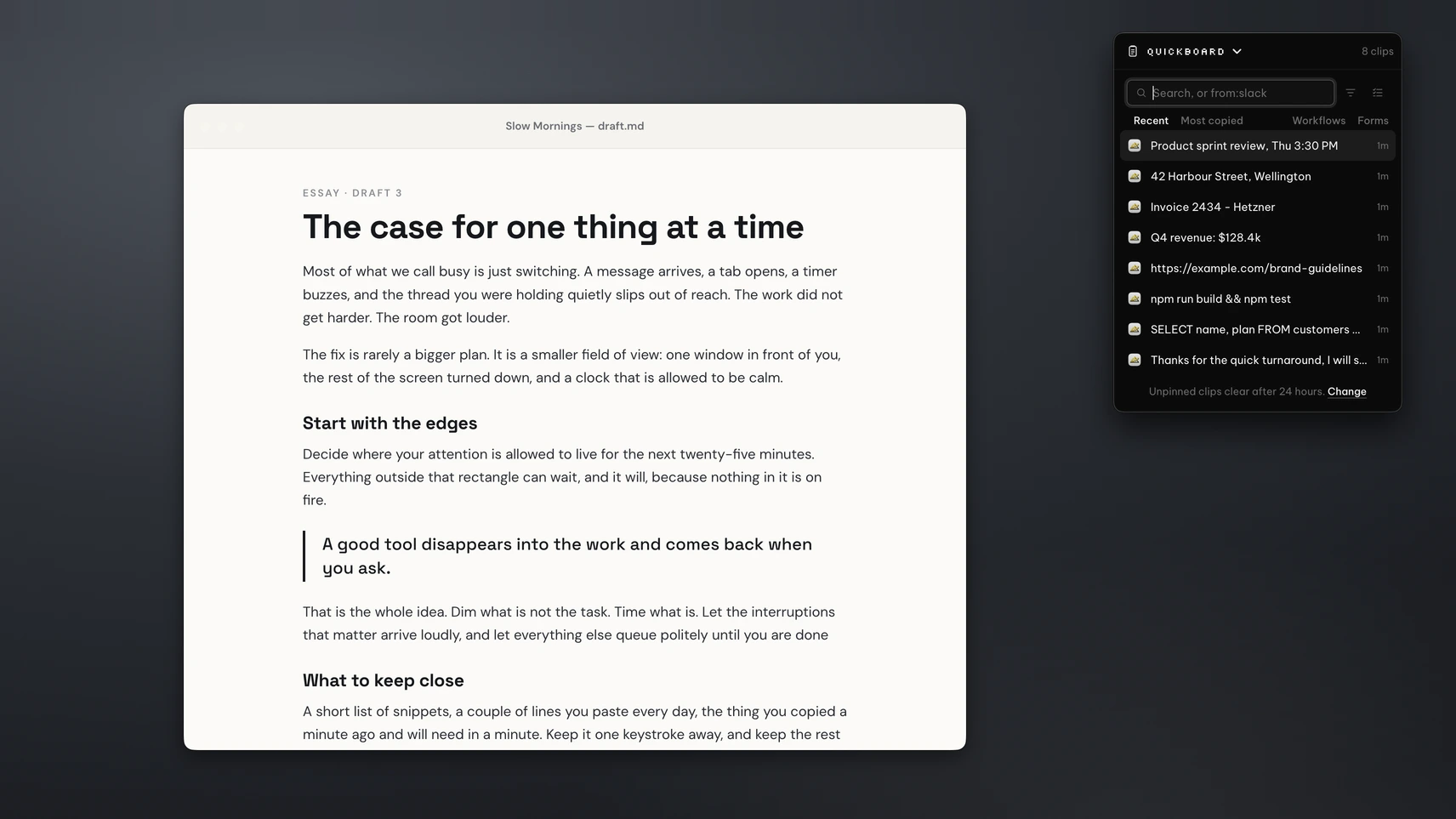
Copy as you normally do. Press ⌘⇧V and QuickBoard opens with your recent clips, filtered by type if you want only links or only images. Type to search, or type from:Safari to see what you copied from one app. Pick a clip and it pastes into the app you were in.
To fill a form, queue up the clips and press ⌘⇧N to paste each one in turn. Transforms clean text on the way out, for example trimming spaces and turning a title into a URL slug.
History stays on your computer and can be encrypted. QuickBoard ignores copies from 1Password, Bitwarden, LastPass and Dashlane, and copies that look like passwords or keys. Unpinned clips clear after 24 hours by default; you can keep them for a week, a month or for good. On a Mac, the PeakFlow app needs Accessibility permission to paste for you.
When Paste is the better pick
Paste syncs your clipboard across your Mac, iPhone and iPad, and QuickBoard doesn't. If you copy on your phone and paste on your Mac, Paste is worth the subscription. It also keeps unlimited history, where QuickBoard stops at 2,000 clips plus pins.
If you want a free option for text, Maccy is a good one. On Windows, see Paste for Windows: meet QuickBoard.
Questions
Is there a Paste alternative that works on Windows too?
Yes. QuickBoard, part of the PeakFlow app, runs on macOS 13 or later and on Windows 10 and 11. Paste has no Windows version.
Is QuickBoard cheaper than Paste?
QuickBoard costs $9.99 once. Paste costs $2.49 a month or $29.99 a year on its own site, and $99.99 for lifetime on the Mac App Store. QuickBoard is free for 30 days with no account or card.
Does QuickBoard sync to my iPhone?
No. QuickBoard keeps your history on your computer. If you need your clipboard on an iPhone or iPad, Paste does that.
How much history does QuickBoard keep?
500 clips by default, adjustable up to 2,000. Pinned clips don't count towards the limit.
Try QuickBoard free
Download the PeakFlow app and press ⌘⇧V. Free for 30 days, then $9.99 to keep it.
⬇ Download the PeakFlow appmacOS 13 or later • Windows 10 and 11 • Free for 30 days, no account or card