
Window dimmers for Windows compared
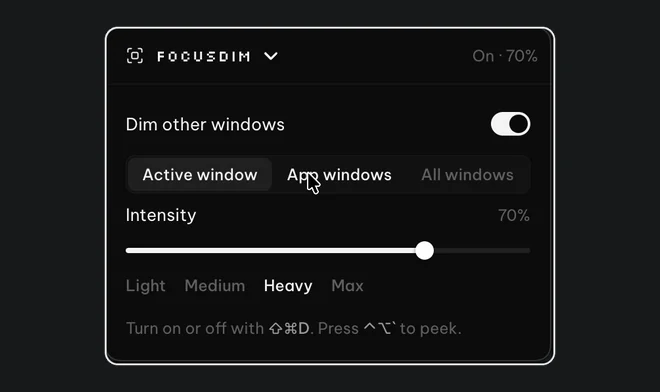
Five apps dim the windows behind the one you're using on Windows: LeDimmer, PowerDimmer and Ghoster are free, FocusHaze costs $0.99 on the Microsoft Store, and FocusDim, which we make, costs $9.99 once after a 30-day free trial. The free ones give you a basic dim. FocusDim adds the settings you need when the dim is on all day, such as excluded apps, a way to keep every window of one app bright, and a shortcut (Ctrl+Shift+D) to turn it on and off.
The five apps side by side
| App | Price | Install | Notes |
|---|---|---|---|
| FocusDim | $9.99 once, 30 days free | Installer, part of the PeakFlow app | Active window and App windows modes, strength 10% to 90%, excluded apps, Peek, fade while dragging, per-monitor on/off, optional border. Also on Mac. |
| FocusHaze | $0.99 | Microsoft Store | Fades the desktop and other windows into a haze. Open source under the MIT licence. |
| PowerDimmer | Free | Download from GitHub | Open source. Describes itself as a HazeOver-style distraction dimmer. |
| LeDimmer | Free | Tiny download | Dims everything except the active window. Very small and simple. |
| Ghoster | Free | Portable, no install | Darkens the screen around the active window. One of the oldest tools here. |
We describe the other four from their own pages and listings as of 23 October 2026. We haven't benchmarked them against each other.
What separates a basic dimmer from one you keep on
Any of these apps will dim the screen around one window. The differences show up after a few days of real work:
- Video calls. If the call window is dimmed whenever you click your notes, you lose sight of the people on the call. FocusDim lets you exclude apps so they're never dimmed.
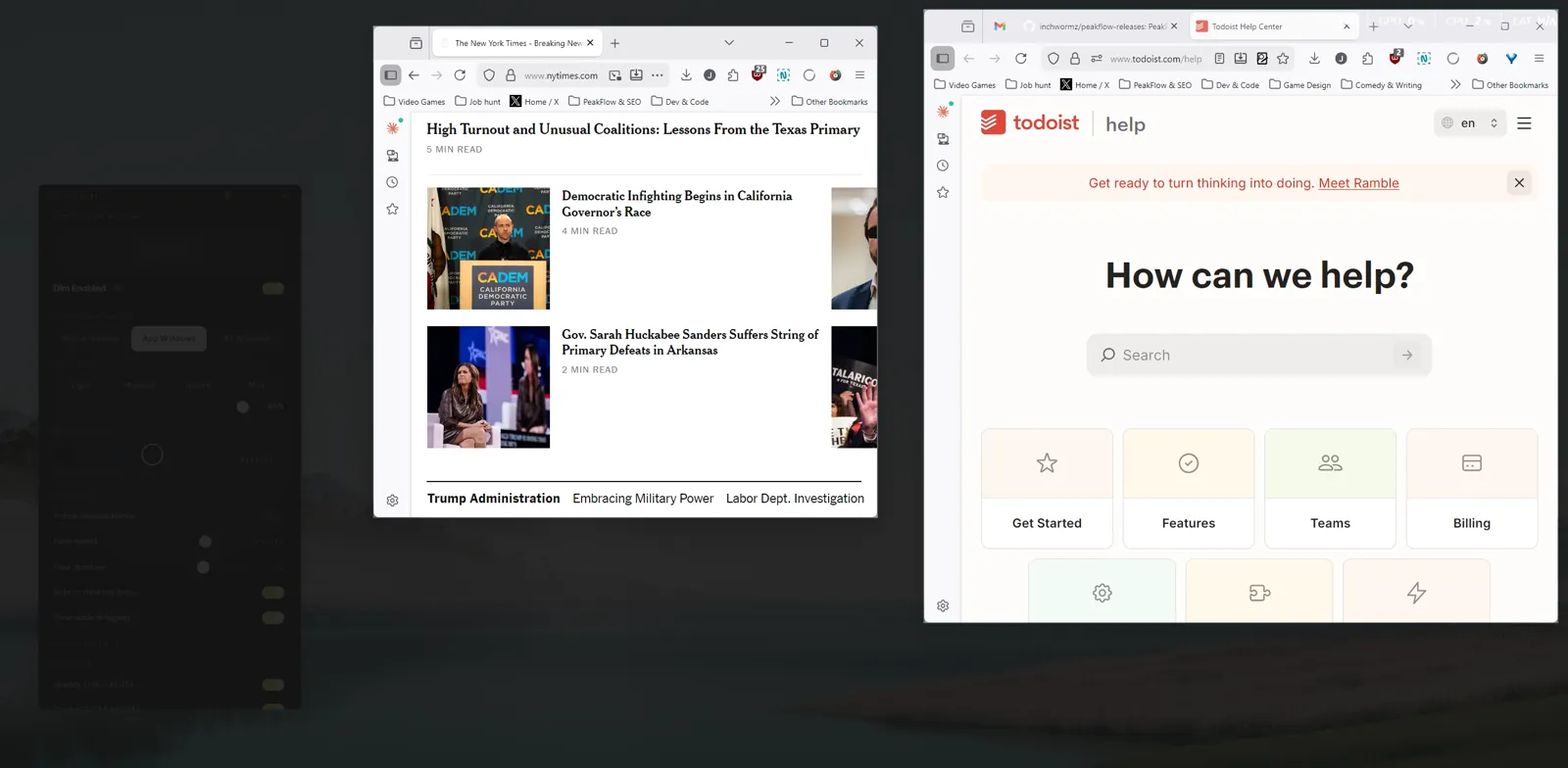
- Two windows of one app. With two browser windows side by side, a dimmer that only keeps one window bright darkens the other every time you click. FocusDim's App windows mode keeps both bright.
- Dragging files. Dragging into a dimmed window is awkward when you can't see the target. FocusDim lifts the dim while you drag.
- Several monitors. You may want the dim on your laptop screen but not on a monitor showing a dashboard. FocusDim can switch it off per display.
- A shortcut. FocusDim turns on and off with Ctrl+Shift+D from any app, and Ctrl+Alt+↑ and Ctrl+Alt+↓ change the strength.
Buy just this tool
FocusDim: $9.99 once
Dims every window except the one you're using, on Mac and Windows.
Does Windows have a dimmer built in?
No. Windows 10 and 11 can colour the active window's border, but they can't dim the other windows. PowerToys doesn't include a window dimmer either. See how to highlight the active window in Windows 11 for the built-in option.
If you also use a Mac, FocusDim runs there too, and our HazeOver alternatives guide covers the Mac options.
Questions
What is the best free window dimmer for Windows?
LeDimmer and PowerDimmer are both free and dim everything except the active window. PowerDimmer is open source. Neither has excluded apps or per-monitor settings.
Does PowerToys have a window dimmer?
No. PowerToys has no feature that dims inactive windows.
Does FocusDim slow Windows down?
We don't publish a performance figure. The simplest check is to turn FocusDim on and watch PeakFlow in Task Manager while you switch windows.
Can I try FocusDim for free?
Yes. All four PeakFlow tools are free for 30 days with no account or card. Then FocusDim is $9.99 once.
Try the dimmer you can leave on
Download PeakFlow for Windows, press Ctrl+Shift+D, and use it for a month free.
Download free for Windows