
Dimming background windows to help with ADHD focus
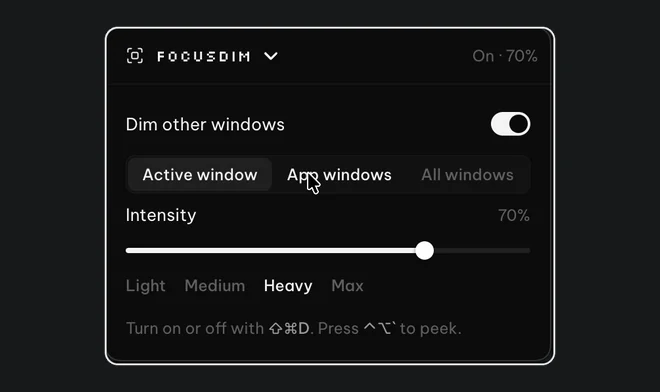
If your attention jumps to whatever moves on screen, a new email, a chat badge or a video in another window, dimming those windows makes them less likely to pull you away while keeping them in reach. FocusDim leaves the window you're working in bright and darkens the rest; press Ctrl+Shift+D on Windows or ⌘⇧D on a Mac. It doesn't replace treatment or other strategies. It removes one source of visual distraction.
Why dim instead of closing everything
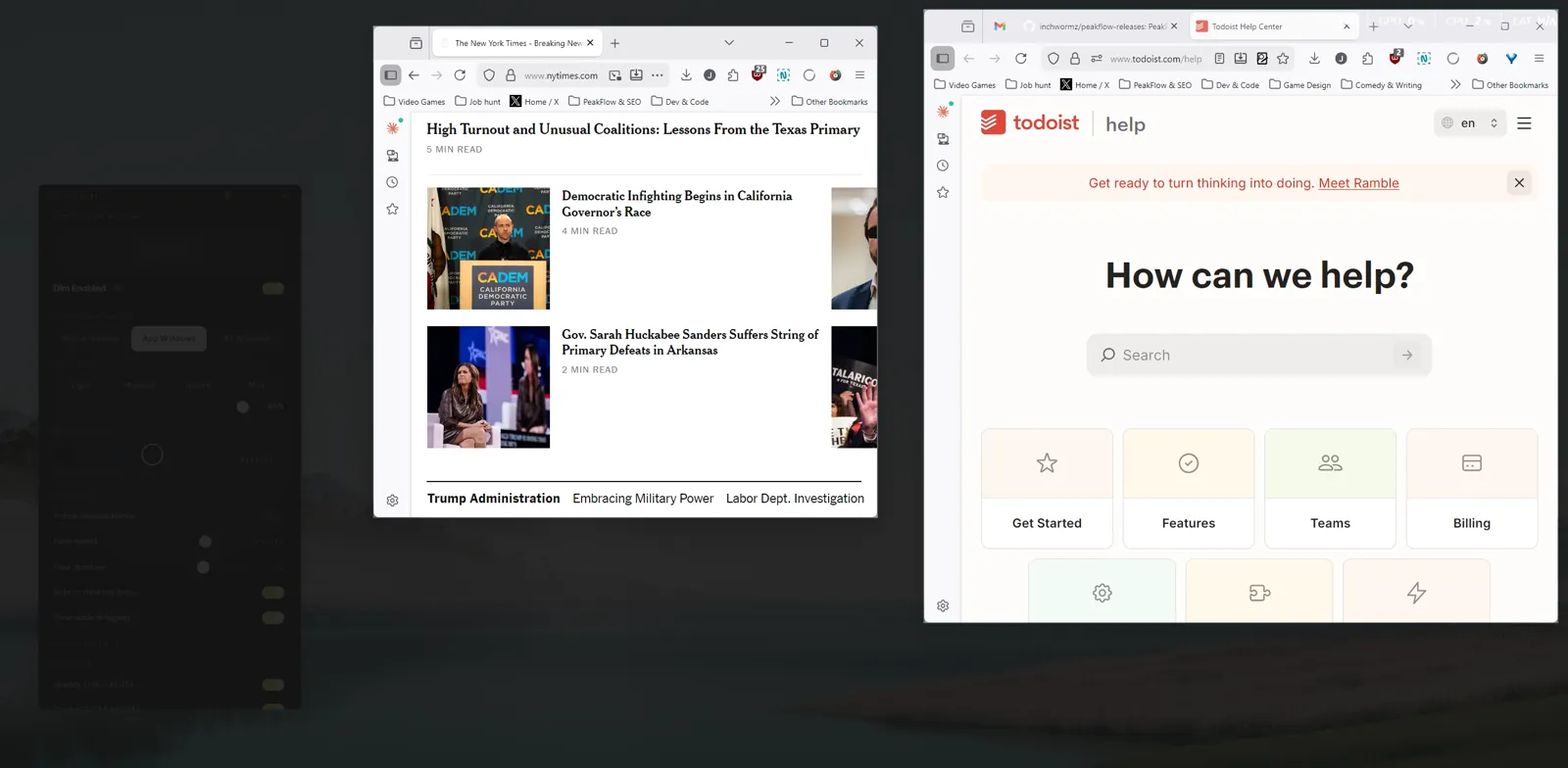
Closing or hiding windows works until you need the reference document, the ticket or the chat thread you hid. Then you go looking for it, and the search becomes the distraction. A dim keeps those windows where they were. You can still read them if you choose to look, but they're darker than your task, so they stop competing for your eye.
A set-up to try
- Strength between 50% and 70%. Lower and the other windows still catch your eye; higher and you'll switch it off when you need to glance at notes. FocusDim starts at 60%.
- App windows mode if your task spans two windows, such as a document and its source in two browser windows. Both stay bright and everything else dims.
- Exclude the apps you must watch, such as a video call, so they never go dark.
- Use Peek instead of switching off. Ctrl+Alt+` on Windows or ⌃⌥` on a Mac shows everything for a few seconds, then the dim comes back by itself. Switching the dim off is easy to forget to undo.
- Silence notifications too. A dim doesn't stop banners. Use Do not disturb on Windows or a Focus on a Mac.
Buy just this tool
FocusDim: $9.99 once
Dims every window except the one you're using, on Mac and Windows.
Pairing the dim with a timer
Some people find a visible timer helps them stay on one task for a set block. Liquid Focus, also in the PeakFlow app, runs 25-minute focus sessions with a small floating timer, and FocusDim can stay on while it runs. Our guides on ADHD productivity on Windows and ADHD focus tools for Mac cover the wider set-up.
Everyone's attention works differently. Try the dim for a few days at different strengths and keep what helps.
Questions
Does dimming the screen help with ADHD?
It can help some people by making background windows less eye-catching while keeping them available. It isn't a treatment, and it doesn't stop notifications, so pair it with Do not disturb or a Focus.
What dim strength should I use?
Start at 60%, FocusDim's default. Go lower if you need to read background windows often, and higher if they still pull your attention.
Does FocusDim work on both Windows and Mac?
Yes. One PeakFlow download covers Windows 10 and 11, and there are Mac downloads for macOS 13 or later.
Quiet the rest of the screen
Download PeakFlow for Windows or Mac and try FocusDim free for 30 days, with no account or card.
Download free