MeetingBar vs ScreenSlap
MeetingBar is a free, open-source Mac app that puts your next meeting in the menu bar. ScreenSlap, part of the PeakFlow app, takes over your screen before a meeting so you can't miss it. They solve the same problem in different ways.
MeetingBar
Free and open sourceYour next meeting and a countdown in the menu bar, one-click or hotkey join for 50+ services, quick ad-hoc meetings, and a full-screen reminder when a meeting starts.
Platform: macOS 12 or later. No Windows version.
ScreenSlap
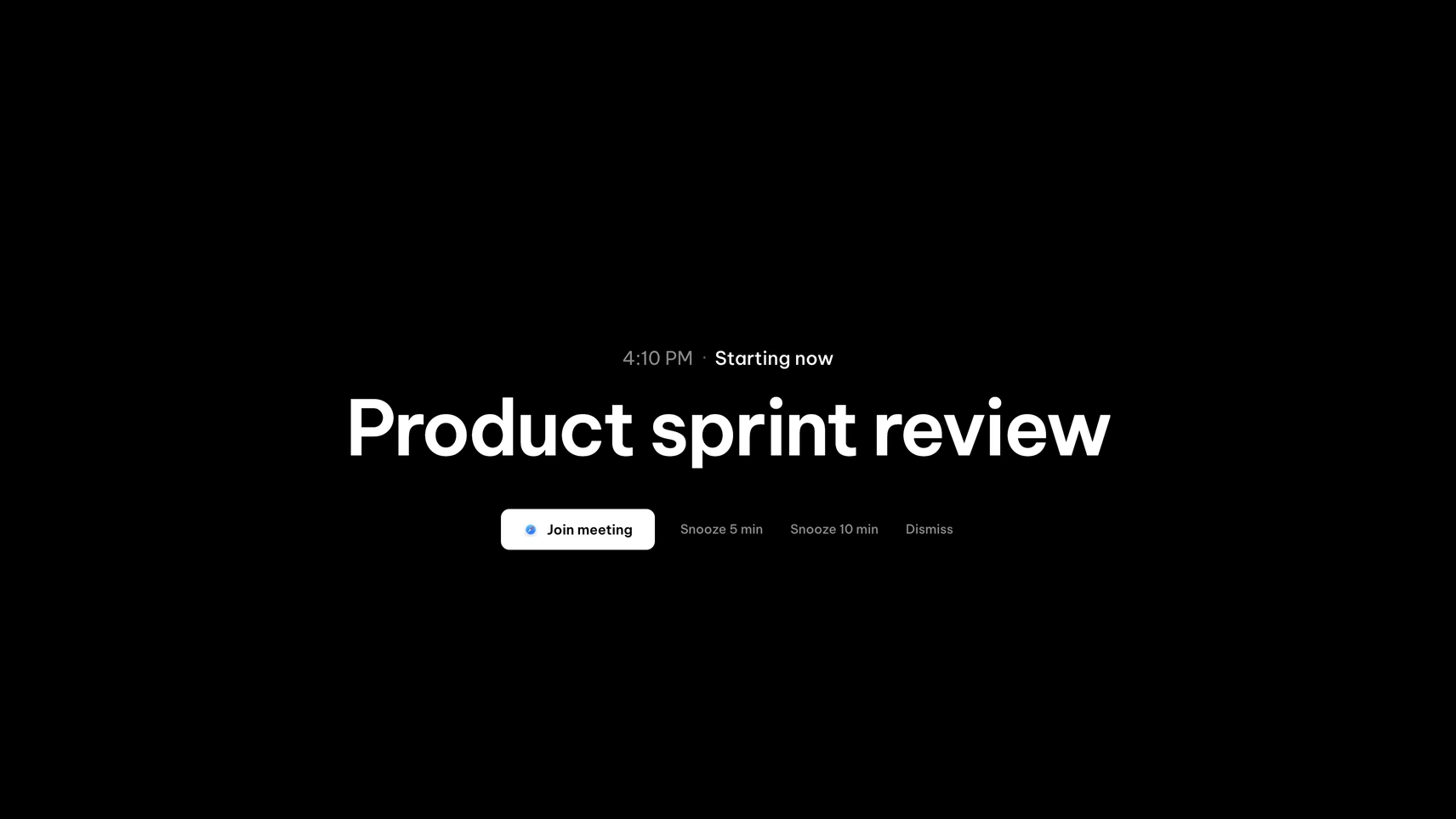
$9.99 once · free for 30 daysA full-screen alert 1 to 30 minutes before each meeting, on every display or one, with Join, snooze and a note when meetings clash.
Platform: macOS 13 or later, Windows 10 and 11.
| Feature | MeetingBar | ScreenSlap |
|---|---|---|
| Price | Free | $9.99 once |
| Next meeting in the menu bar | with countdown | in the panel |
| One-click join | 50+ services | 13 services |
| Join with a hotkey | ||
| Full-screen alert | when the meeting starts | 1 to 30 minutes before |
| Snooze the alert | Not listed | 5 or 10 minutes |
| Warns when two meetings clash | Not listed | |
| Calendar connection | Calendar.app calendars or Google sign-in | iCal link |
| Create a quick meeting | ||
| Runs on Windows |
Where MeetingBar wins
MeetingBar costs nothing and reads the calendars you already have in Calendar.app, so setup takes a minute. The countdown in the menu bar is useful all day, and the join hotkey saves hunting for links. It joins more services than ScreenSlap and can start a quick meeting for you. If you glance at your menu bar often, MeetingBar may be all you need.
Where ScreenSlap wins
ScreenSlap is for the meetings you miss while deep in something else, when a menu bar countdown and a notification both go unseen. It covers your screen a minute before the meeting by default, or up to 30 minutes ahead, so you get time to wrap up. Snooze for 5 or 10 minutes if you need to finish a thought. It also runs on Windows, and it's part of the PeakFlow app with FocusDim, QuickBoard and Liquid Focus.
Some people run both: MeetingBar for the countdown, ScreenSlap for the alert. Compare ScreenSlap with a paid app in In Your Face alternative.
Most popular PeakFlow tool
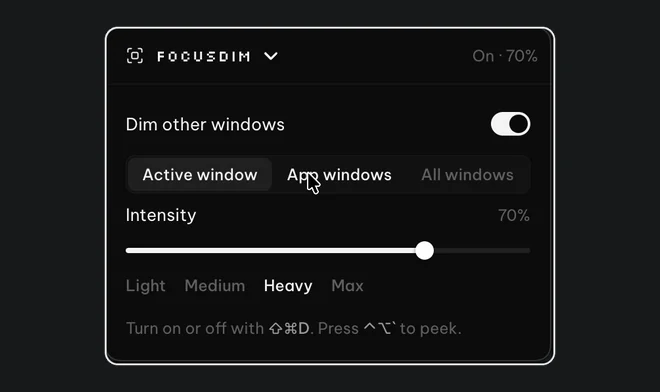
FocusDim: $9.99 once
Dims every window except the one you're using, on Mac and Windows.
Questions
Is MeetingBar free?
Yes. MeetingBar is free and open source, with optional tips. It runs on macOS 12 or later.
Does MeetingBar show full-screen reminders?
Yes, when a meeting starts. ScreenSlap shows its full-screen alert 1 to 30 minutes before the meeting, which you choose, and adds snooze.
Can I use MeetingBar and ScreenSlap together?
Yes. They don't conflict. MeetingBar shows the countdown in your menu bar and ScreenSlap covers your screen before the meeting.
Does ScreenSlap run on Windows?
Yes. ScreenSlap runs on macOS 13 or later and on Windows 10 and 11. MeetingBar is Mac only.
Try ScreenSlap free
Download the PeakFlow app, paste your calendar link and send yourself a test alert. Free for 30 days.
⬇ Download the PeakFlow appmacOS 13 or later • Windows 10 and 11 • Free for 30 days, no account or card